

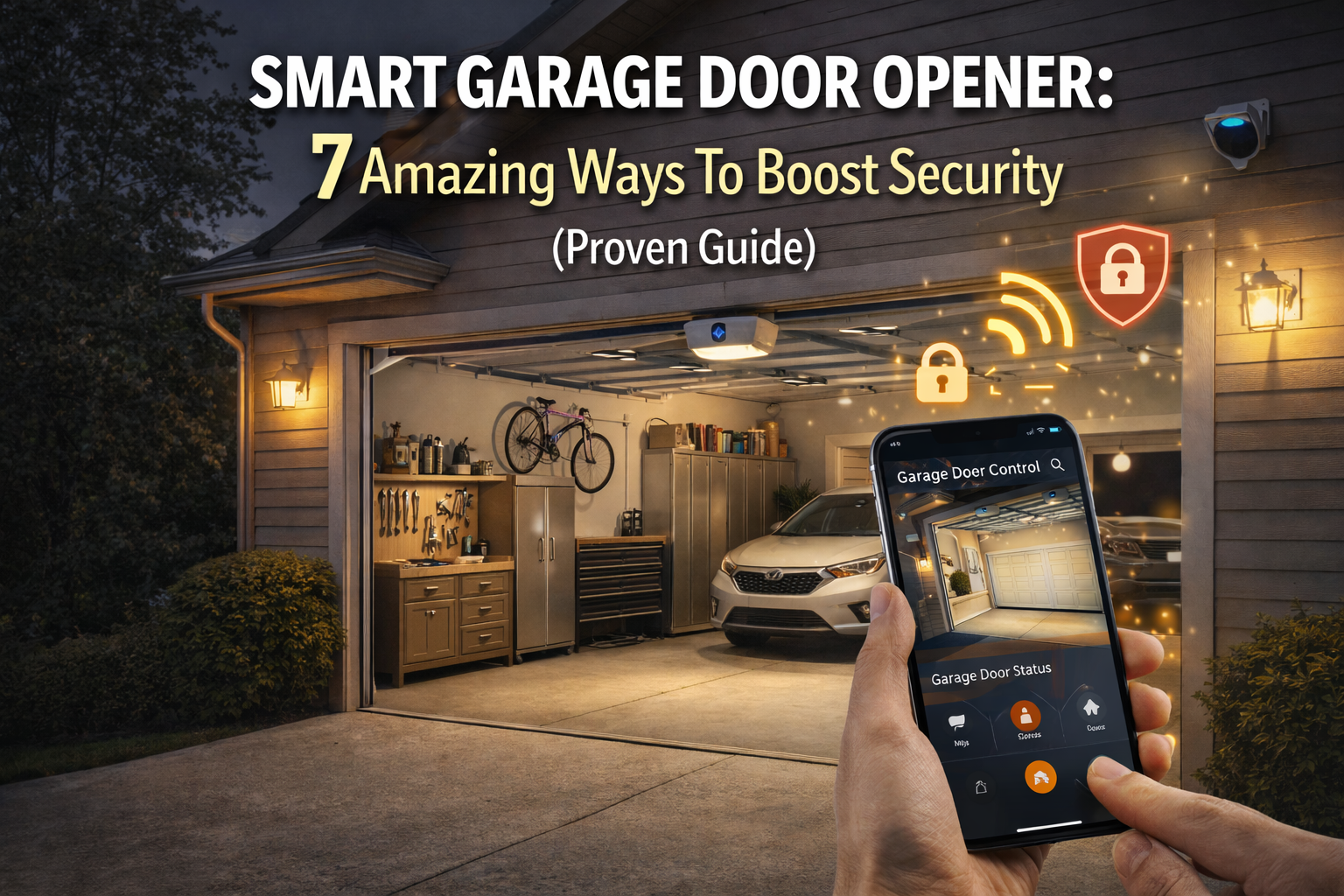
Smart garage door opener adoption is rapidly transforming the way homeowners secure and access their garages, blending convenience, automation, and stronger security. Here’s what you really need to know before you buy, install, or connect your first smart system.
Key Takeaways
- The smart garage door opener market is projected to more than triple by 2033, driven by demand for security, convenience, and app control.
- Most systems feature Wi-Fi connectivity, but real-world user experience reveals installation, compatibility, and privacy challenges.
- Choosing the right brand means considering your home’s infrastructure, voice assistant integrations, and real support for app features.
- What Is a Smart Garage Door Opener and Why Are Homeowners Upgrading?
- How to Choose and Install a Smart Garage Door Opener: Step-by-Step Guide
- Advanced Analysis: Real-World Problems and Common Pitfalls
- Conclusion
- Frequently Asked Questions
What Is a Smart Garage Door Opener and Why Are Homeowners Upgrading?
Smart garage door openers are Wi-Fi-enabled devices that let users open, close, and monitor their garage doors using a smartphone, smart speaker, or automation platform. Instead of relying on old-fashioned clickers or keypads, these systems connect to your home’s internet and respond to app commands, schedules, or even location-aware triggers. Major brands like Chamberlain’s myQ, LiftMaster, and Genie are leading the market, especially in North America, where nearly 38% of smart garage openers are adopted. [source]
Why are so many homeowners making the switch? Rising concerns about home security, the need for remote access while traveling, and the ease of integrating with platforms such as Alexa, Google Assistant, or Apple HomeKit have accelerated adoption rates. The market, valued between $1.82 billion and $2.63 billion in 2024, is predicted to reach more than $6 billion by 2033, thanks largely to features like voice control, package delivery access, and built-in activity alerts. [source] A smart garage door opener doesn’t just upgrade your tech; it can actively increase home safety and simplify daily routines.
For homeowners already exploring upgrades, see our DIY home improvement tips for smart, safe projects or our easy home repair guide for quick fixes that pair well with smart technology installation.
How to Choose and Install a Smart Garage Door Opener: Step-by-Step Guide
Ready to make your garage smart? This actionable guide covers selection, installation, and activation—so you don’t waste money or time on incompatible equipment or clunky integrations.
- Assess Your Current Setup: Note the drive type (belt, chain, screw, jackshaft/wall-mount) and brand. If you have an older opener, check if add-on Wi-Fi controllers (like myQ or Meross) are compatible.
- Select Your Device: Compare Wi-Fi, Bluetooth, Zigbee, or Z-Wave models. Wi-Fi is dominant, enabling cloud access and app control, but Zigbee/Z-Wave work better with mesh networks or advanced hubs. [source]
- Compare Voice Assistant Features: Not all openers offer the same integrations. myQ supports Google Assistant, but Apple HomeKit or Alexa compatibility may require separate modules or subscriptions. Read specs carefully.
- Check Installation Requirements: Basic Wi-Fi controllers require only a power outlet and reliable Wi-Fi, but some pro-grade systems may need professional installation—especially if wiring sensors or integrating with home alarm systems.
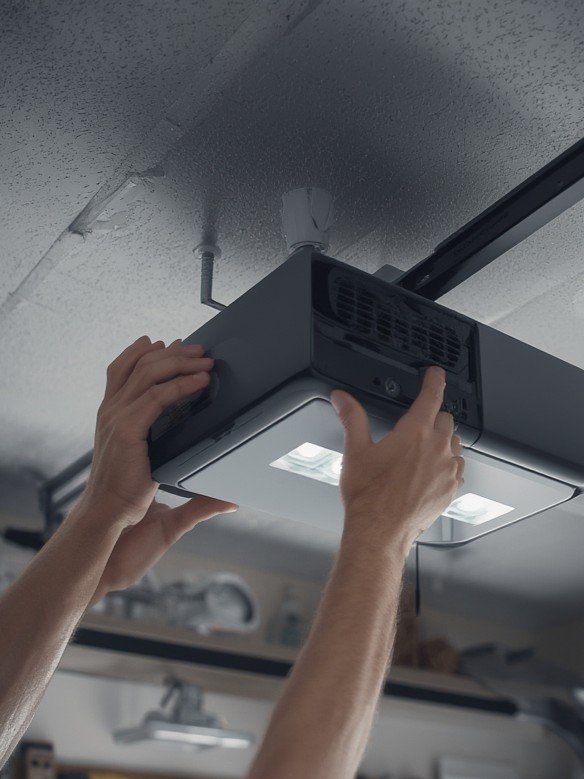
- Install the Controller: Mount the unit as instructed, connecting two wires to your opener’s push-button terminals. Place sensors on the door and inside the garage as required.
- Link to App and Wi-Fi: Download the manufacturer’s mobile app, follow step-by-step pairing instructions, and test connectivity. Add family members as users if supported.
- Integrate with Your Home Ecosystem: Add the opener to Alexa, Google Assistant, Apple HomeKit, or routines as desired—some integrations may require creating manufacturer accounts or enabling cloud services.
- Set Up Alerts and Automations: Most apps let you schedule open/close times, receive activity alerts, or activate geofencing for automatic door closing when you leave home.
Advanced Analysis: Real-World Problems and Common Pitfalls
Installing a smart garage door opener is usually straightforward, but user experiences vary. Below is a realistic overview of common obstacles and technical snags you should anticipate, based on current research and evolving market trends.
- Home Wi-Fi Coverage: Garage areas often have weak Wi-Fi, causing lost connectivity or lag when using app controls. Consider a dedicated range extender.
- Voice Integration Limitations: Some brands (like myQ) may charge extra or limit voice controls. For example, myQ offers out-of-the-box Google Assistant integration, but Alexa/Apple support may be restricted or paid add-ons.
- Privacy and Security Unknowns: Research does not currently reveal specific vulnerabilities, but Wi-Fi/open cloud services may introduce potential risks if your passwords are weak or if firmware is not regularly updated.
- Platform Fragmentation: Not all brands play nicely with every home automation platform—if you use Home Assistant or advanced routines, expect extra setup or need for third-party bridges.
- Price Gaps: Actual costs (device, install, ongoing subscriptions) vary widely. Many systems offer free basic control but charge for history logs, video storage, or premium voice commands.
- Sensor Calibration Issues: Initial setup sometimes requires troubleshooting sensor alignment for accurate open/close status. Incorrect placement can cause false alerts or missed events.
| Brand | Voice Assistant Compatibility | Wi-Fi/Bluetooth | Typical Add-on Costs | Installation |
|---|---|---|---|---|
| myQ (Chamberlain/LiftMaster) | Google Assistant, limited Alexa & Apple HomeKit (add-ons required) | Wi-Fi | May require paid subscription for premium voice/app features | DIY, some models pro install |
| Genie | Alexa, Google Assistant (direct integration) | Wi-Fi | Most functions free, advanced integrations may vary | DIY |
| Meross | Alexa, Google Assistant, HomeKit | Wi-Fi | Generally no subscription | DIY |
Undecided about handling installation yourself? Check our home repair tips for DIYers or our kitchen and bathroom remodeling cost breakdowns to budget for a pro install if you prefer hassle-free home upgrades.
Conclusion
Smart garage door openers are here to stay, and adoption is only accelerating. Choose a system that matches your garage infrastructure, voice assistant preference, and privacy needs. Avoid common snags by checking compatibility before you buy and considering extra costs for features like app history or advanced integrations. The smart garage door opener is one major upgrade that’s both practical and future-proof—so take control of your home’s access and convenience now. Ready to make your garage smarter? Compare your options and start your upgrade today.
Frequently Asked Questions
Do smart garage door openers work with any existing garage door?
Most modern smart garage door openers and add-on Wi-Fi controllers work with popular residential belt, chain, or screw drive openers made in the last 20 years. Older or uncommon models may need special adapters. Always check the compatibility list from the manufacturer before purchasing.
Can I use my voice assistant (Alexa, Google Assistant, Siri) to control my garage door?
Voice assistant support varies by brand. myQ works with Google Assistant out of the box, but Alexa and Apple HomeKit integration may require extra accessories or a subscription. Genie and Meross are known for broader direct compatibility.
Is it safe to control my garage door remotely via app?
These devices use secure connections, but like all smart home tech, they rely on strong passwords, up-to-date firmware, and secure Wi-Fi. While no major vulnerabilities have been reported in 2024, setting up two-factor authentication and using a guest network adds extra safety.
Are there any ongoing or hidden costs with smart garage door openers?
The device and app are often free for basic control. Some brands (notably myQ) charge for premium features like voice assistant support, activity logs, or video recording. Compare device, installation, and subscription costs before buying.
What if I have trouble installing a smart garage door opener?
Most brands offer detailed guides and customer support. If you run into problems with Wi-Fi setup or sensor alignment, you may need to reposition your router or check your wiring. Don’t hesitate to call a local installer or consult our home repair guide if you need step-by-step troubleshooting advice.